
· From the bench
PS5 Slim With No Picture: The HDMI Port That Looked Fine
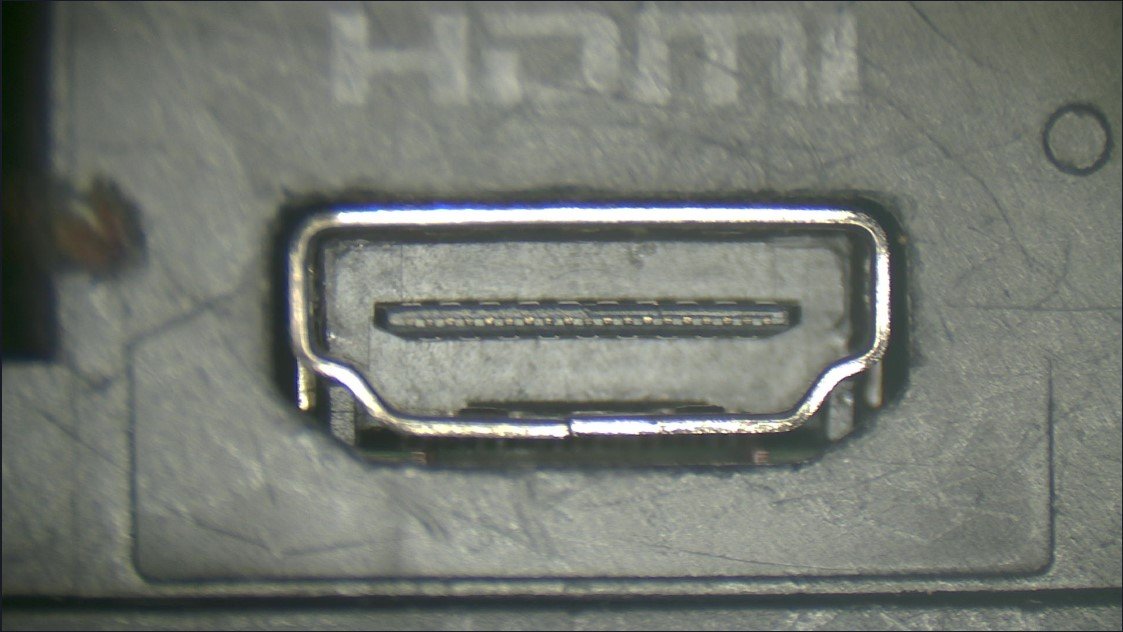
This PS5 Slim came in with a problem I see all the time: it turned on, but the TV showed nothing. What made this one worth writing about is that the HDMI port looked perfectly fine from the outside.
What the owner noticed
The console was clearly alive. It powered on with the white light and a double beep at startup, but the TV just sat there saying there was no signal. Wiggling the HDMI cable didn't change a thing.
That's a big clue. When a PS5 powers on normally but there's no picture, the problem is very often the HDMI port, not the whole console.
What I found
Looking in from the back, the port looked normal. No bent metal, nothing obviously smashed. But once I opened the console up, the real damage showed: the port had been pushed back into the console hard enough that it broke free from the logic board.
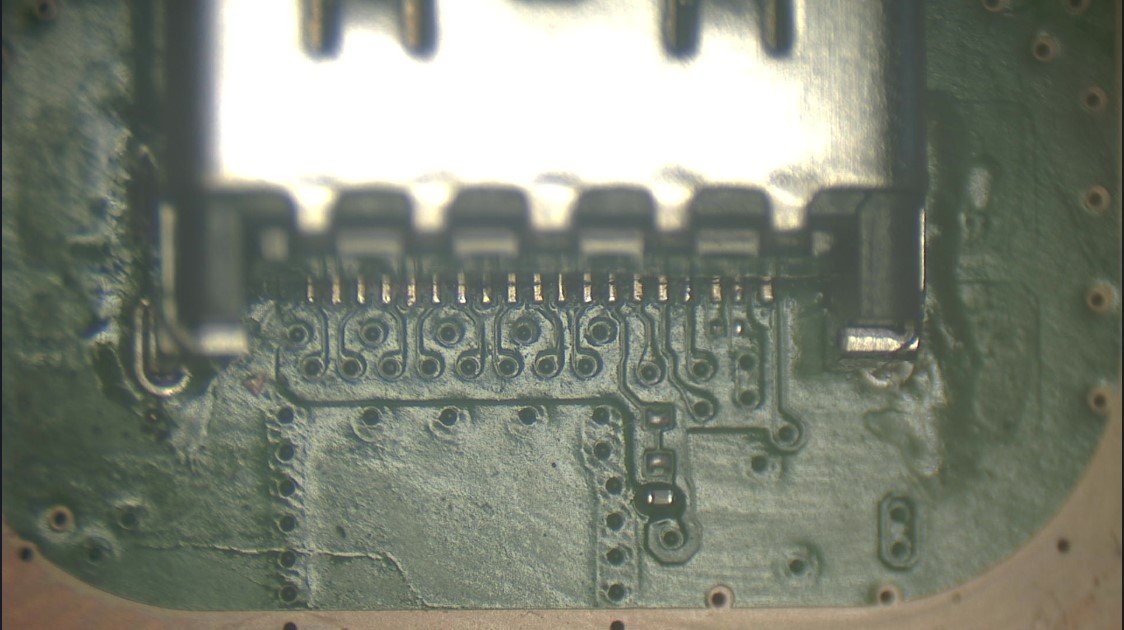
That's why wiggling the cable did nothing. The port wasn't loose in a way you could feel; it just wasn't connected to the board anymore. This usually happens when the cable gets bumped or pushed in at an angle while it's plugged in.
The fix
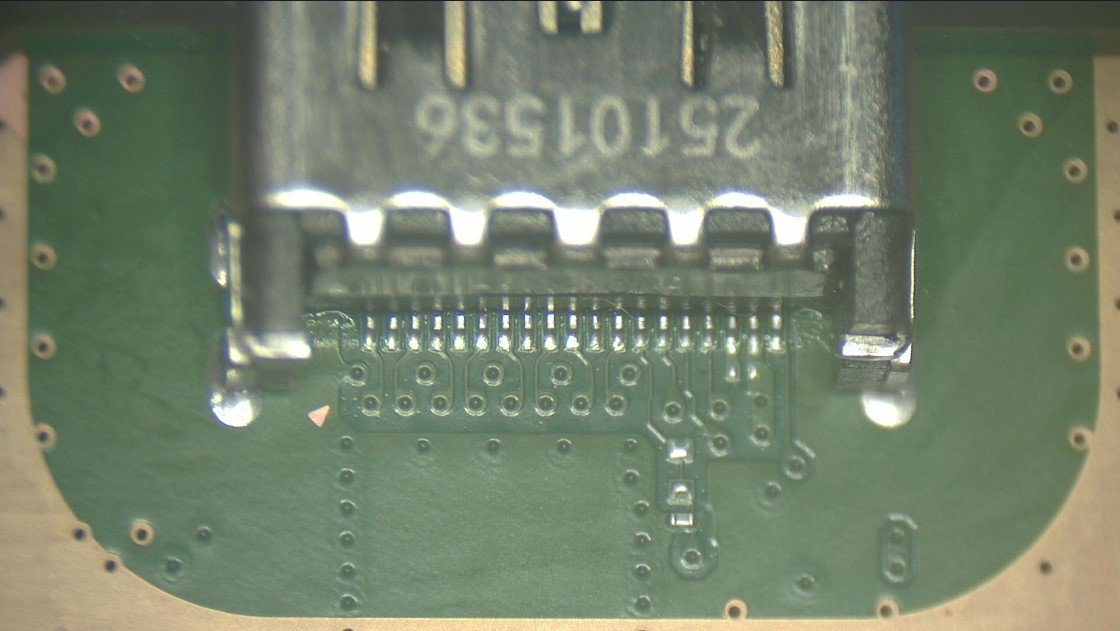
I removed the broken port and soldered in a new HDMI port. Every HDMI port I work on gets checked under the microscope.
While it was open, I took care of a couple of other things. The vents were pretty gunked up, so I cleaned all the dust out of the console.
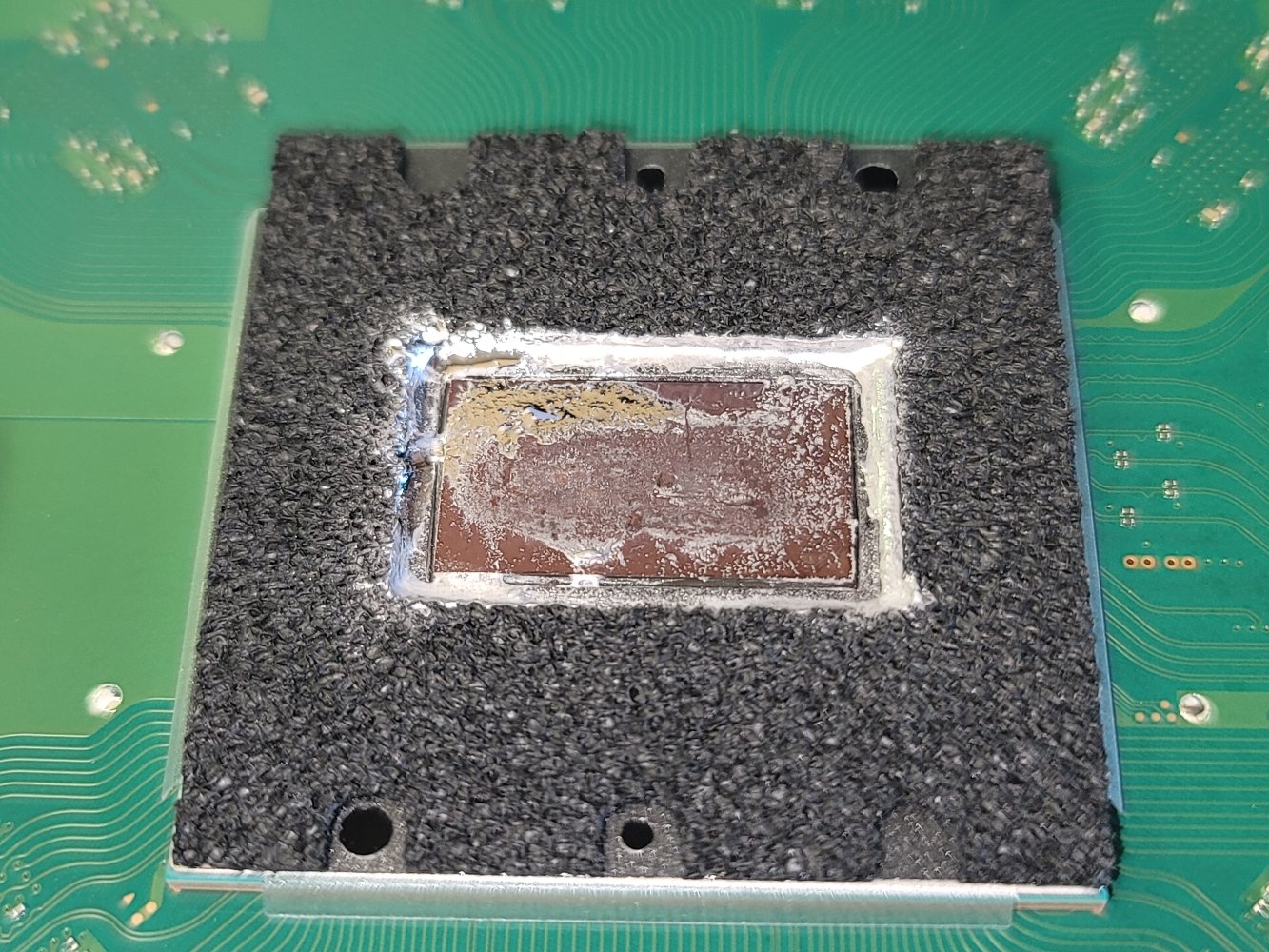
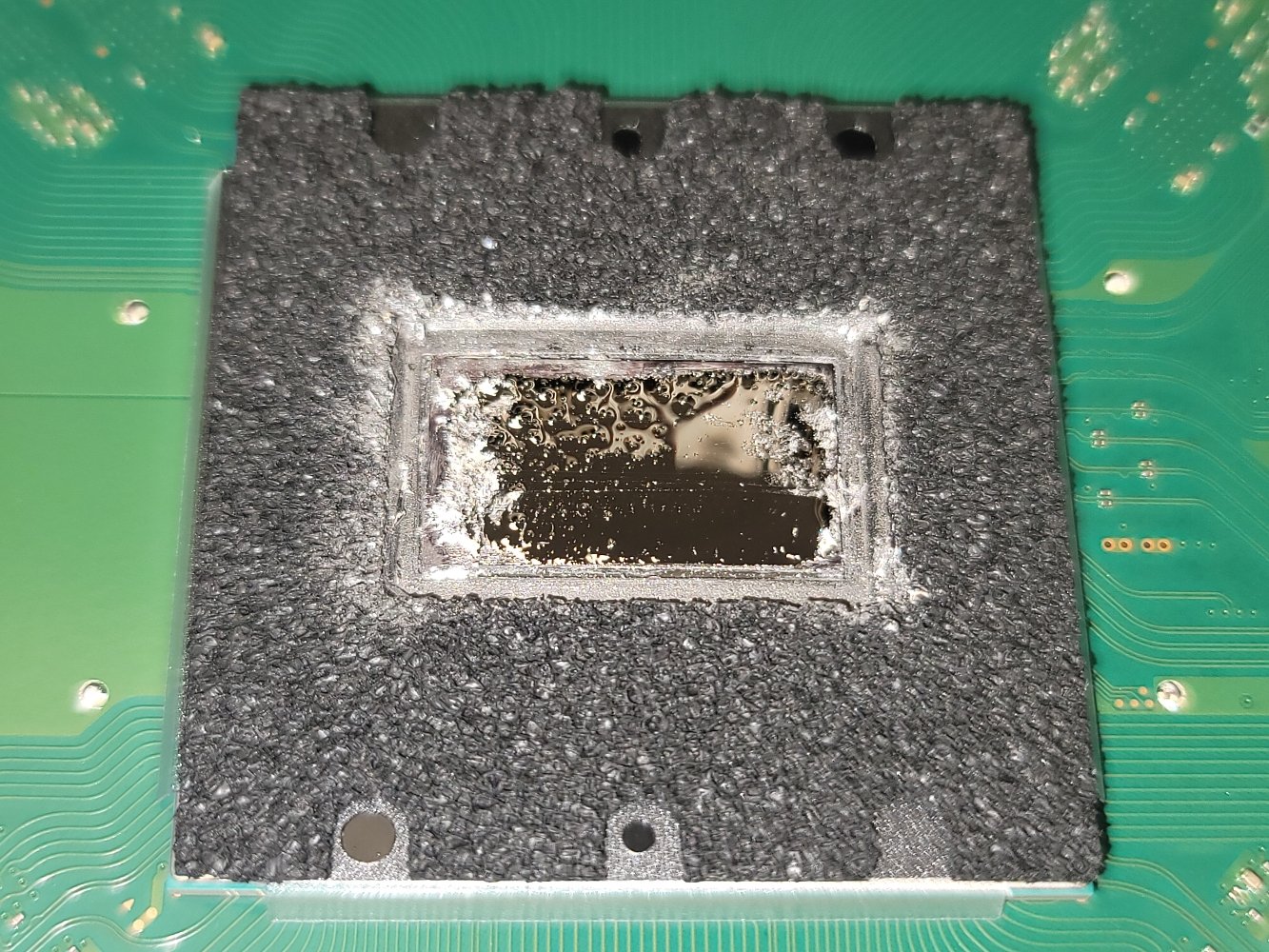
I also checked the liquid metal. The PS5 uses liquid metal as the thermal material between the processor and the heatsink, and on this one it had a dry spot on the processor. I cleaned it up and polished the surfaces so it can keep running cool.
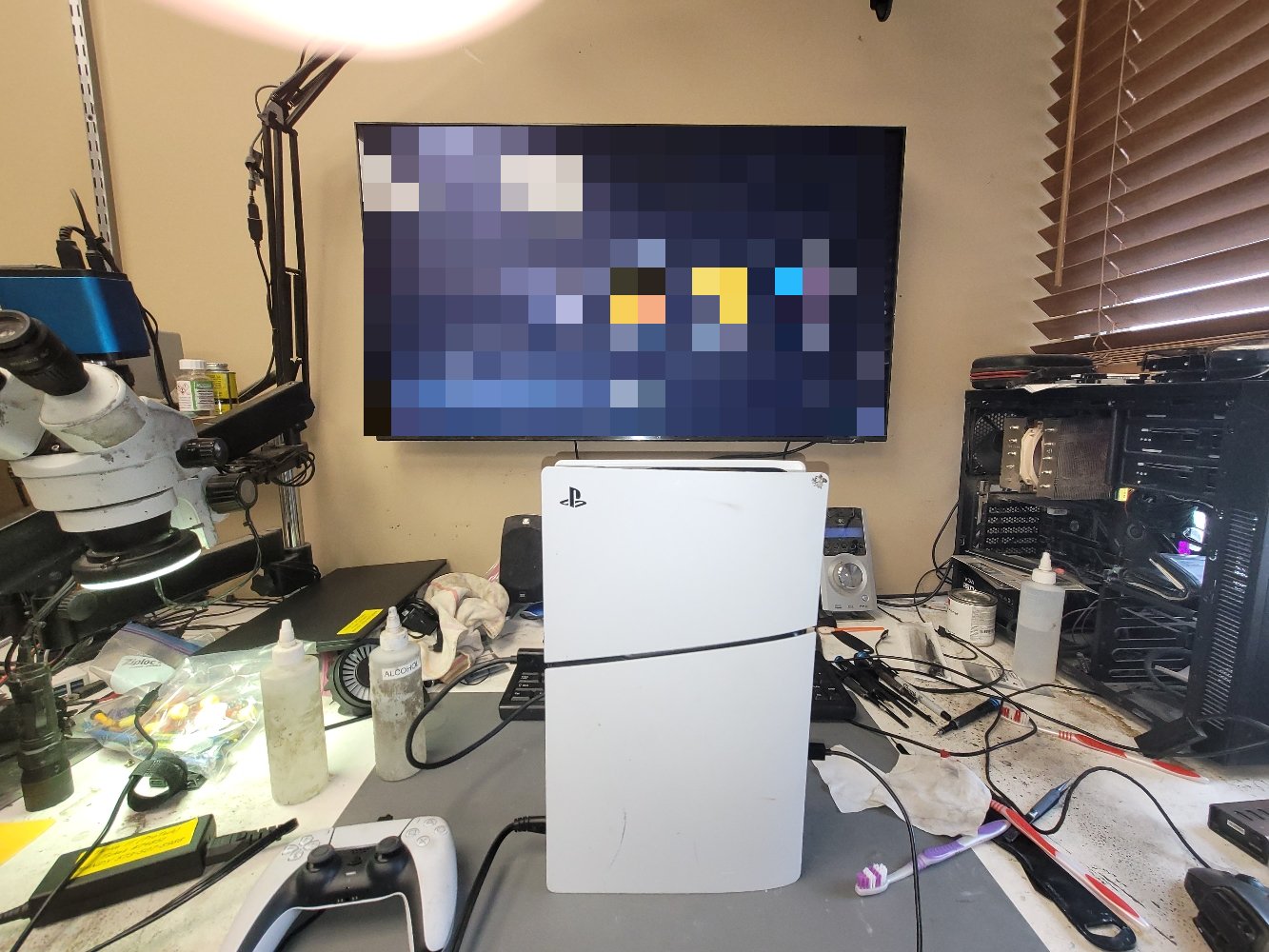
After that, everything worked just like it should. I sent the owner a photo of the console up and running on my bench, and they were back to gaming.
A tip for PS5 owners
If your PS5 turns on but you get no picture, don't keep forcing or wiggling the HDMI cable. A port can look fine from the outside and still be broken loose inside, and pushing on it can make the damage worse. Give it a gentle check with another cable and another HDMI input on your TV, and if that doesn't fix it, bring it in.
PS5 with no picture? Text me a picture or give me a call. I'm in Columbia, open Tuesday–Friday, 8:00am–4:30pm.